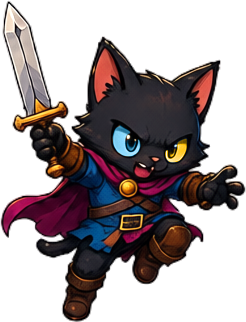
Find
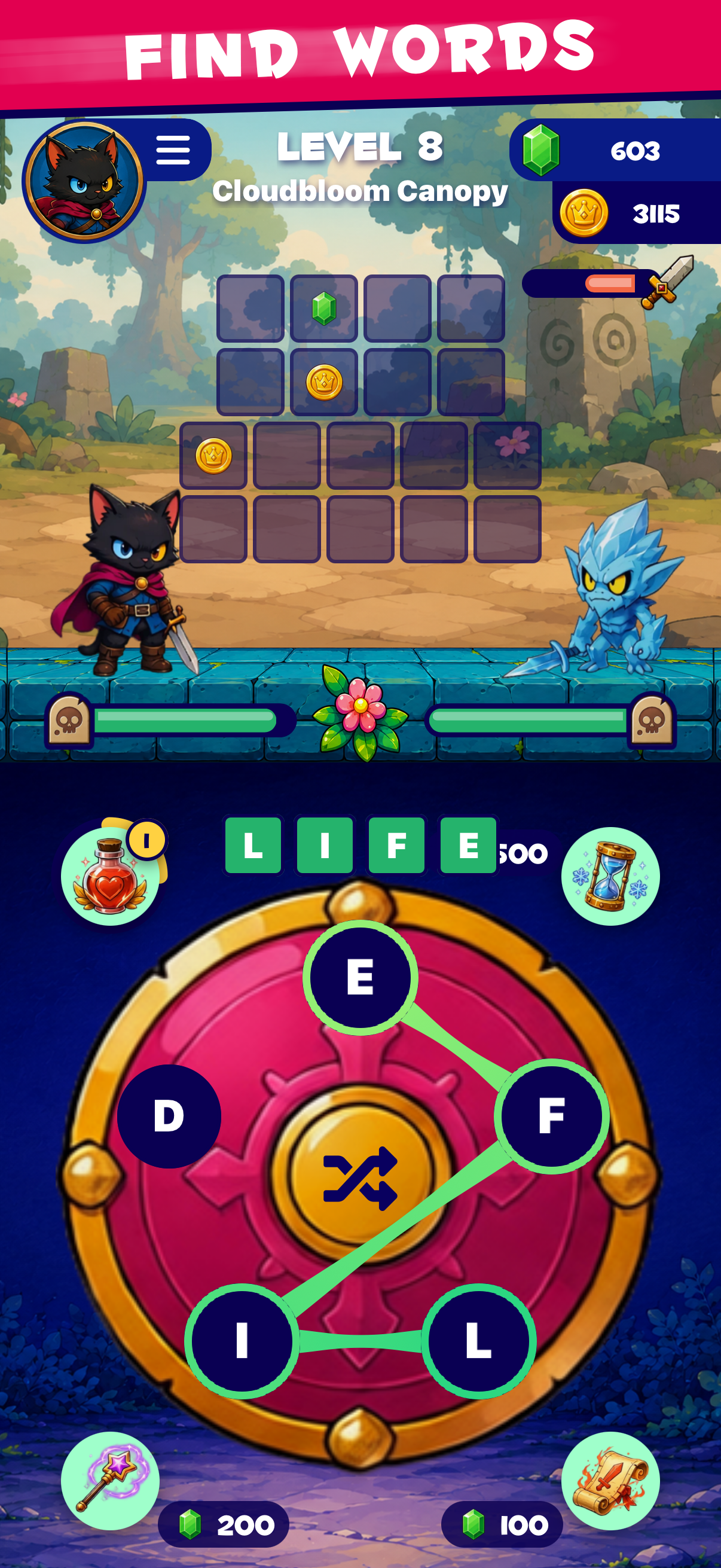
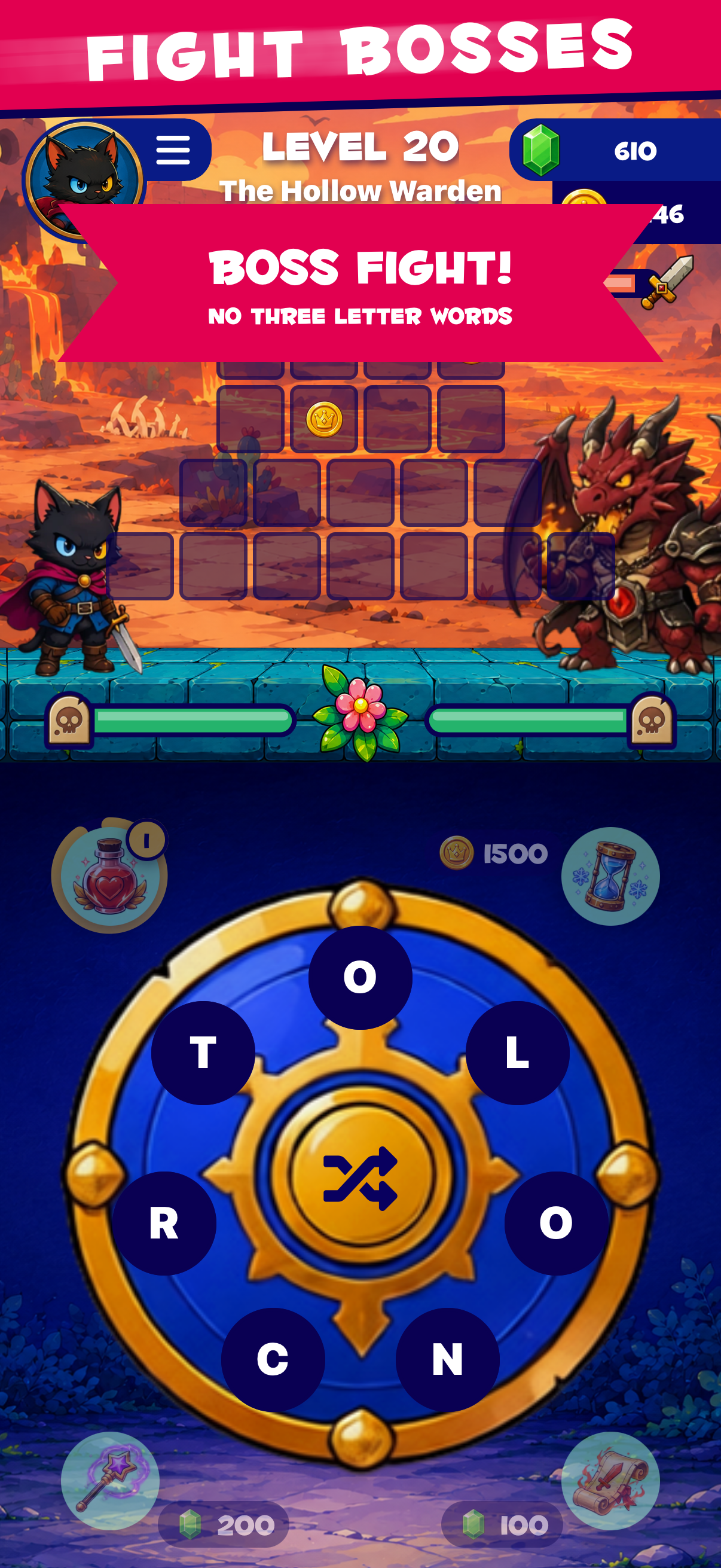
Drag through puzzle letters and shape a word before the enemy can answer.


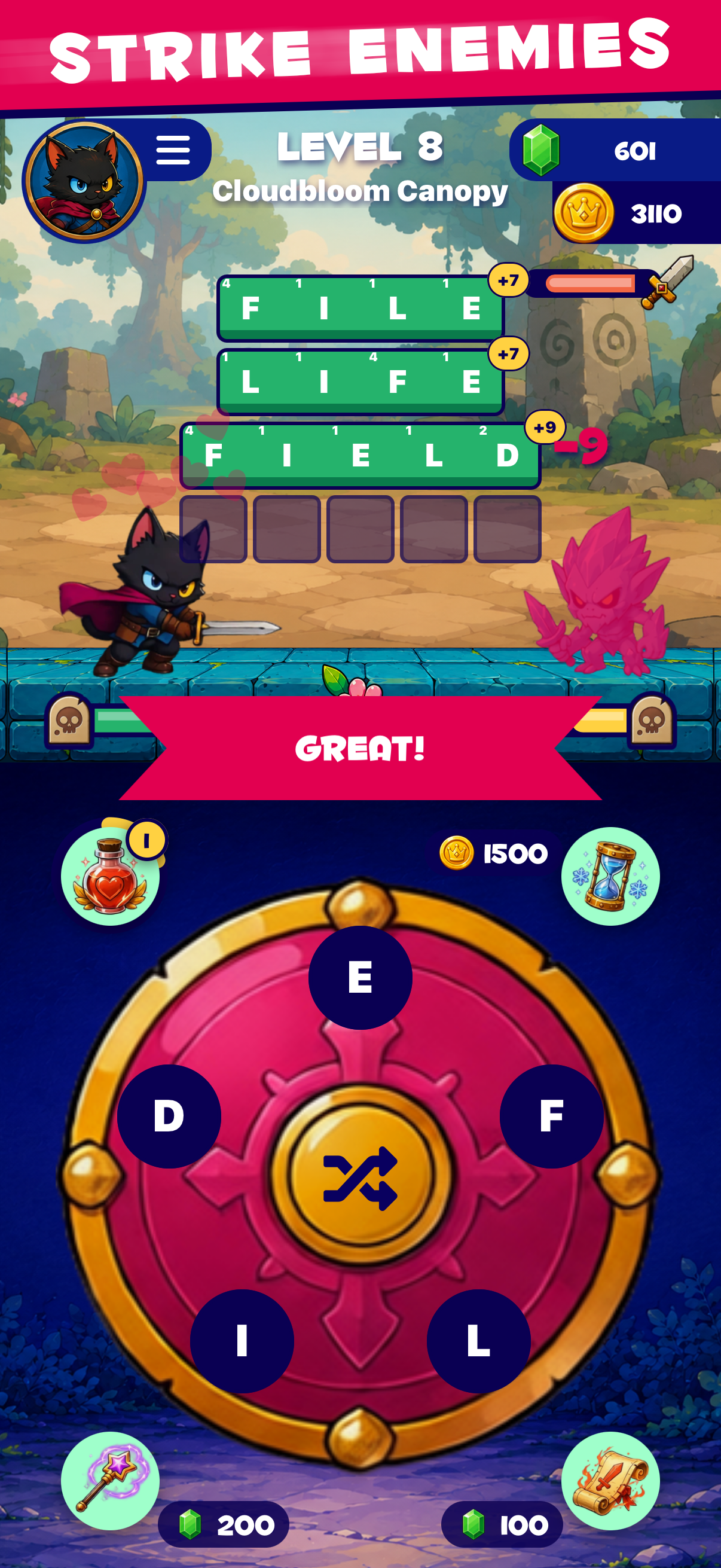
Every word you find becomes an attack.

“Love this, really well done and TONS of levels with fun battles and every level is super rewarding.”
Find → Strike → Conquer
For players who like the quiet focus of finding a word, with a hit of fantasy reward when it clicks. Expect enemy pressure, not an endless untimed crossword.
Drag through puzzle letters and shape a word before the enemy can answer.
Every accepted word converts into immediate combat feedback.
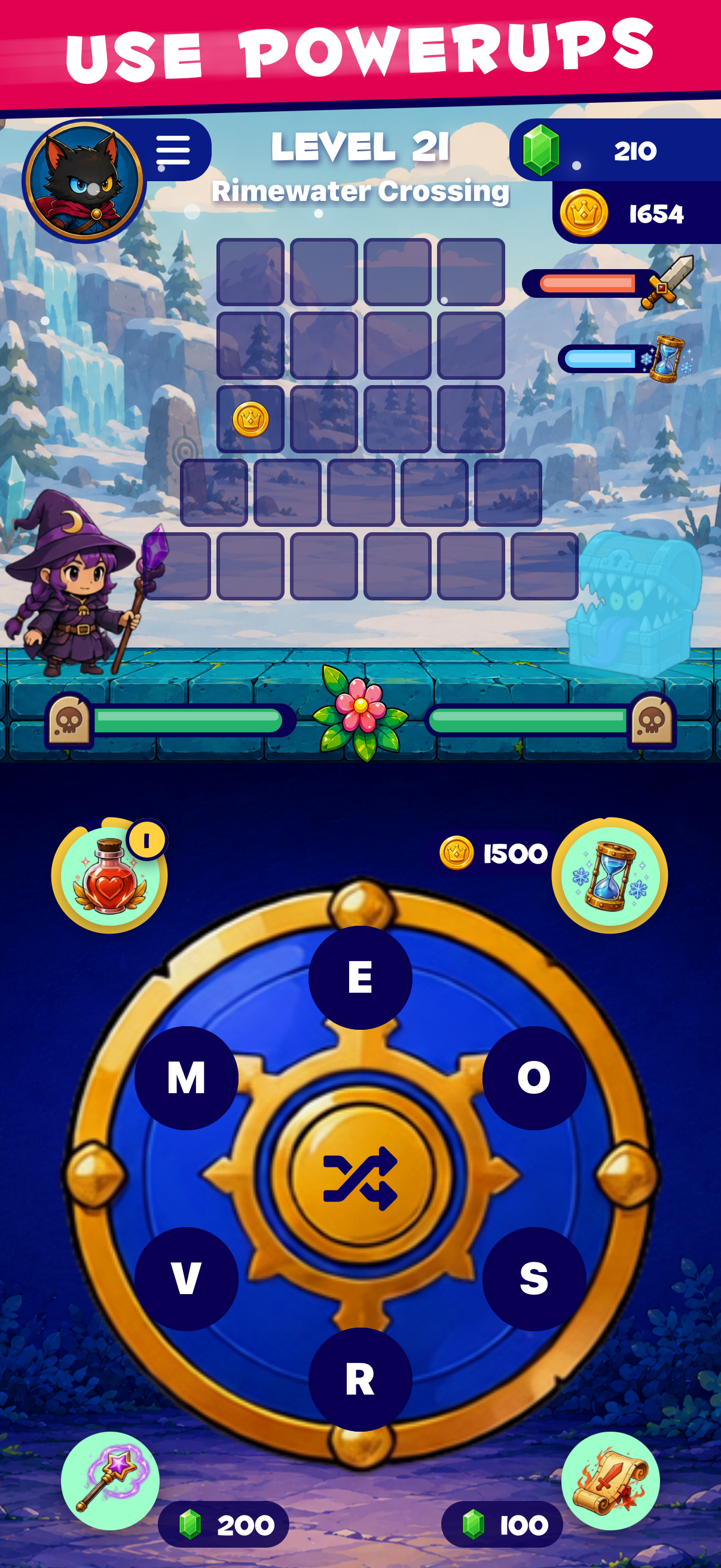
Fill the grid, bank bonus words, and keep the pressure moving.
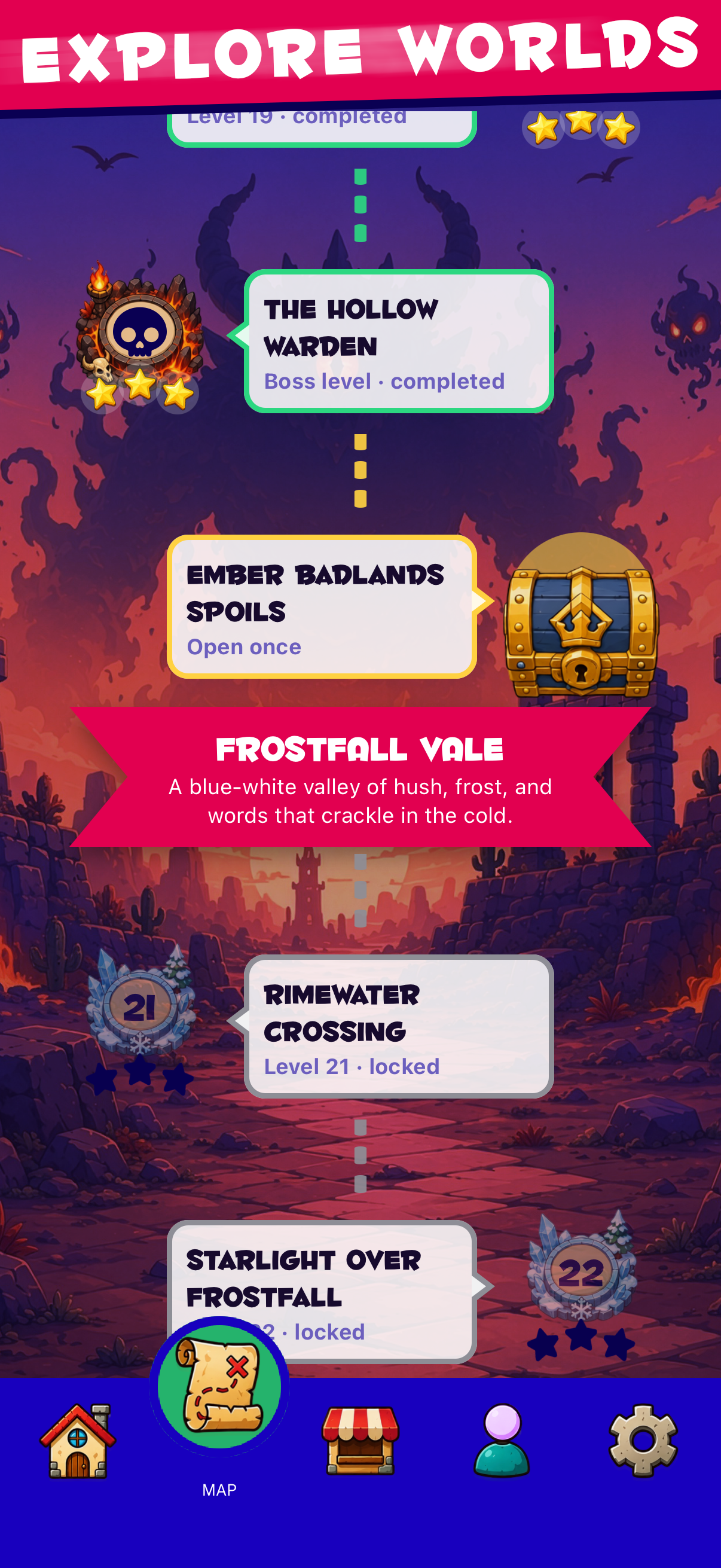
Clear encounters, unlock the saga map, and chase the next battle.
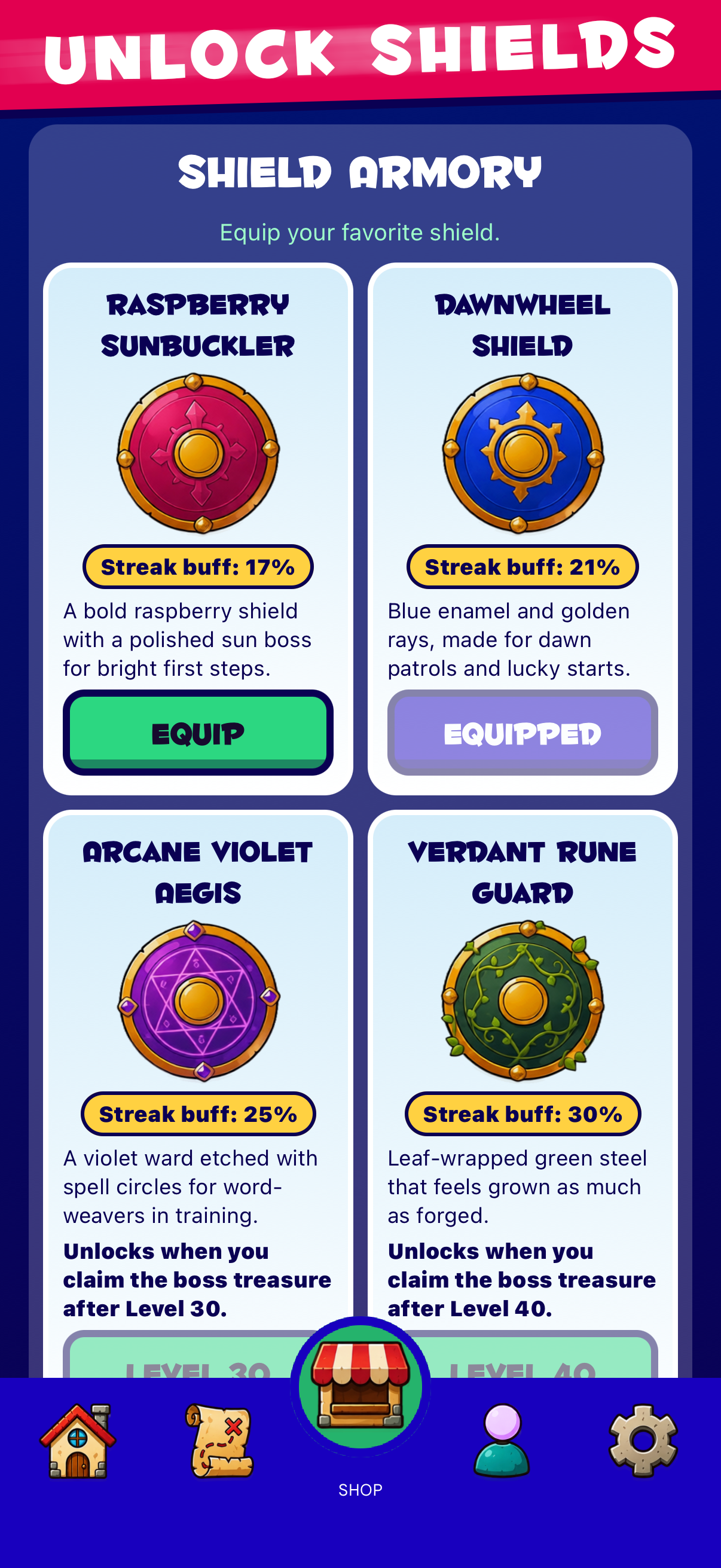
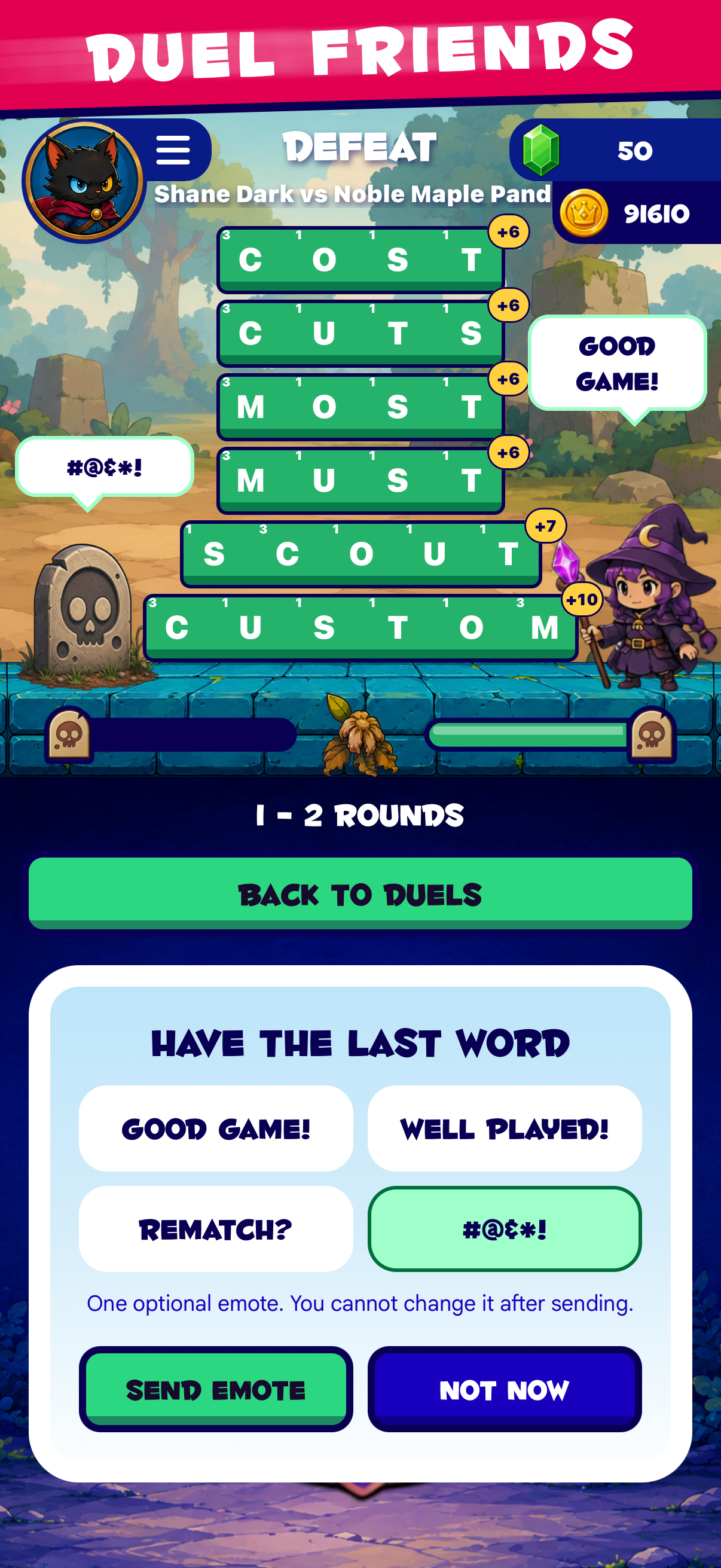
More ways to make every word count.
Put your vocabulary to the test against a rival in three-round, asynchronous battles. Take your turns on your own schedule. No power-ups, just your word skills.
Earn campaign stars and rack up Duel wins. See how you compare on separate leaderboards for your adventure and your competitive victories.
Discover words, uncover bonus words, and master the campaign to earn achievement medals. Collect them in your Profile and share your proudest moments.
Sign in to play Duels and join the leaderboards.
Yes. Download free on iOS or Android. Optional purchases include coins, rupees, and bundles with ad removal. Prices, ad-removal durations, and subscription terms appear in the game and your store's purchase confirmation before you pay.
Yes. Ads can appear on the home screen and before eligible campaign battles. Coin-reward videos are optional: choose to watch one for a reward, or keep playing without it. An active ad-removal entitlement removes banners and battle-entry ads, not the optional reward-video offer. Ad availability and close-button timing depend on the ad provider. For an ad that will not close or a missing reward, contact player support.
Duels have no power-ups: both players tackle the same puzzles in a three-round match. Campaign play has power-ups, and the game offers optional in-app purchases.
Guest progress is stored on your device. Sign in with Apple or Google to sync your adventure to your account, then use that same account on your other device. Connect to the internet and let synchronization finish before switching. If progress is missing or sync fails, contact support before uninstalling or clearing app data.
Use Settings → Request Account Deletion in the game, or follow the account deletion page to email a request. Deletion is permanent. Deleting your game account does not cancel an Apple or Google Play subscription; cancel it through the store separately.